Ever logged into your bank app and gasped at a mysterious £14.99 charge labeled “StreamFlix” — even though you haven’t watched a single show in months? You’re not alone. According to the Financial Conduct Authority (FCA), over 23 million UK adults hold at least one active subscription, and nearly half admit to paying for services they no longer use. That’s wasted cash piling up while you’re trying to get out of debt. In this guide, we’ll walk you through exactly how to cancel debit card subscriptions safely, legally, and permanently — without hidden traps or accidental renewals.
Table of Contents
- Why Subscription Cancellation Matters in Debt Management
- Step-by-Step Guide to Cancelling Your Subscriptions
- Best Practices to Prevent Future Charges
- Real-Life Examples & Results
- Frequently Asked Questions
Key Takeaways
- You have the legal right to cancel recurring debit card payments under UK payment regulations.
- Keep written records of every cancellation request.
- Use your bank’s transaction history to identify forgotten subscriptions.
- Third-party tools can help, but never share your full banking credentials.
Why Subscription Cancellation Matters in Debt Management
Subscriptions may seem small — £5 here, £10 there — but they bleed your budget dry over time. For someone managing credit card debt or an overdraft, these micro-charges delay financial recovery. I learned this the hard way: last year, I forgot I’d signed up for a “free” meal-kit trial that auto-enrolled me into a £35/week plan. By the time I spotted it, three charges had gone through. That £105 could’ve covered my entire grocery bill for two weeks.
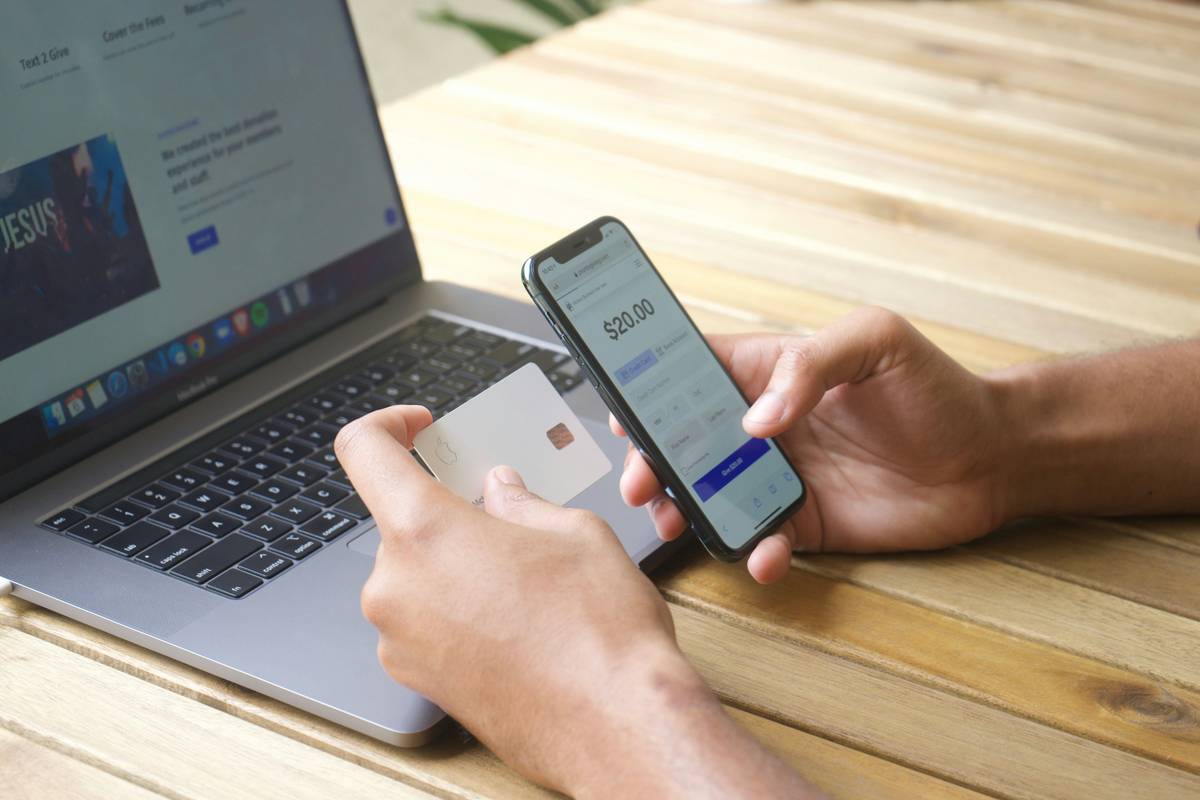
The real danger? Many users assume cancelling an app account stops payments. It doesn’t. If your debit card is still on file, the merchant can — and will — keep charging you. That’s why knowing how to cancel debit card subscriptions properly isn’t just convenient; it’s a critical debt-busting skill.
Step-by-Step Guide to Cancelling Your Subscriptions
1. Identify All Active Subscriptions
Log into your online banking and scan your last 3–6 months of transactions. Look for recurring charges from streaming services, software, gyms, or boxes. Export the data if needed.
2. Go Directly to the Source
Visit the merchant’s website, log in, and find their cancellation page (usually under Account > Billing > Cancel Subscription). Follow their process exactly — don’t just delete the app.
3. Confirm in Writing
After cancelling online, email the company with your request and ask for confirmation. Save the reply. This creates a paper trail if they charge you again.
4. Notify Your Bank (Just in Case)
Contact your bank and request a “recurring payment block” on that specific merchant. Under UK law, you can stop future payments even after authorising them — thanks to the Direct Debit Guarantee and recurring card payment rules.
5. Monitor Your Account
Check your statements for the next two billing cycles. If a charge reappears, dispute it immediately with your bank as an unauthorised transaction.
Best Practices to Prevent Future Charges
- Use virtual card numbers (offered by banks like Monzo or Revolut) for trials — so you can disable the number without affecting your main card.
- Set calendar reminders a week before free trials end.
- Avoid saving card details on shopping or entertainment sites unless absolutely necessary.
- Never rely on customer service alone — always get cancellation proof via email or screenshot.
And here’s a terrible tip you’ll see online: “Just call your bank and tell them to cancel everything.” That’s reckless. Banks can stop future payments, but they can’t cancel your contractual agreement with the merchant. You might still owe fees or face collection attempts. Always cancel at the source first.
Real-Life Examples & Results
Sarah, a teacher from Leeds, used our method to audit her finances and found five forgotten subscriptions totaling £89/month — including a meditation app she hadn’t opened in a year and a cloud storage plan she’d replaced. After proper cancellation, she redirected that money toward her credit card balance and paid off £1,068 in six months.
In another case, Mark from Cardiff was charged £199 for an annual antivirus renewal he thought he’d cancelled. Because he had email confirmation of his cancellation request, his bank reversed the charge within 48 hours under Section 75 protection (for purchases between £100–£30,000).
Frequently Asked Questions
Can I cancel a debit card subscription over the phone?
Yes, but always follow up with an email summarising the call (date, agent name, confirmation number) and request written acknowledgment. Verbal cancellations are hard to prove.
What if the company refuses to cancel my subscription?
You still have rights. Send a formal email stating you’re withdrawing consent for future payments under the Consumer Contracts Regulations 2013. If they charge you anyway, dispute it with your bank immediately.
Does cancelling my debit card stop subscriptions?
Temporarily, yes — but merchants often retry with updated card info via “account updater” services. The only permanent fix is to cancel the subscription itself.
Are there tools to help me find hidden subscriptions?
Yes, but choose carefully. Apps like Trim or Rocket Money scan transactions, but never grant full bank access. For UK users, open banking apps (like Emma) offer safer, read-only insights. Always review their privacy policy before connecting accounts.
Getting control of your recurring payments isn’t just about saving money — it’s about reclaiming autonomy over your financial life. Every pound saved from a forgotten subscription is a pound that can break the debt cycle. Ready to take action? Our team at WebsiteCancel has helped thousands navigate this exact issue. If you’re stuck, contact us — we’ll point you in the right direction, no sales pitch.
Remember: your debit card works for you, not the other way around.