You signed up for that streaming service “just to try it.” Now it’s been six months—and you’re still getting charged. Worse, the cancellation process feels like navigating a maze designed by Kafka. If you’ve ever felt trapped by recurring payments you no longer want, you’re not alone. The good news? how to cancel a subscription doesn’t have to mean hours on hold or buried in menus. There’s a smarter way.
Why Most People Fail to Actually Cancel Their Subscriptions
The problem isn’t lack of will—it’s design. Companies spend millions engineering friction into cancellation flows. Hidden links, mandatory surveys, forced retention calls. They count on your frustration making you give up.
And many do.
Think about it: When was the last time you clicked “Cancel” and it actually took less than two minutes? Exactly. That’s not an accident. It’s behavioral economics in action—making quitting just annoying enough that inertia wins.
How to Cancel a Subscription: A Step-by-Step Playbook That Works
Forget vague advice. Here’s exactly what to do—no fluff, just field-tested tactics.
1. Identify Every Active Subscription (Including the Sneaky Ones)
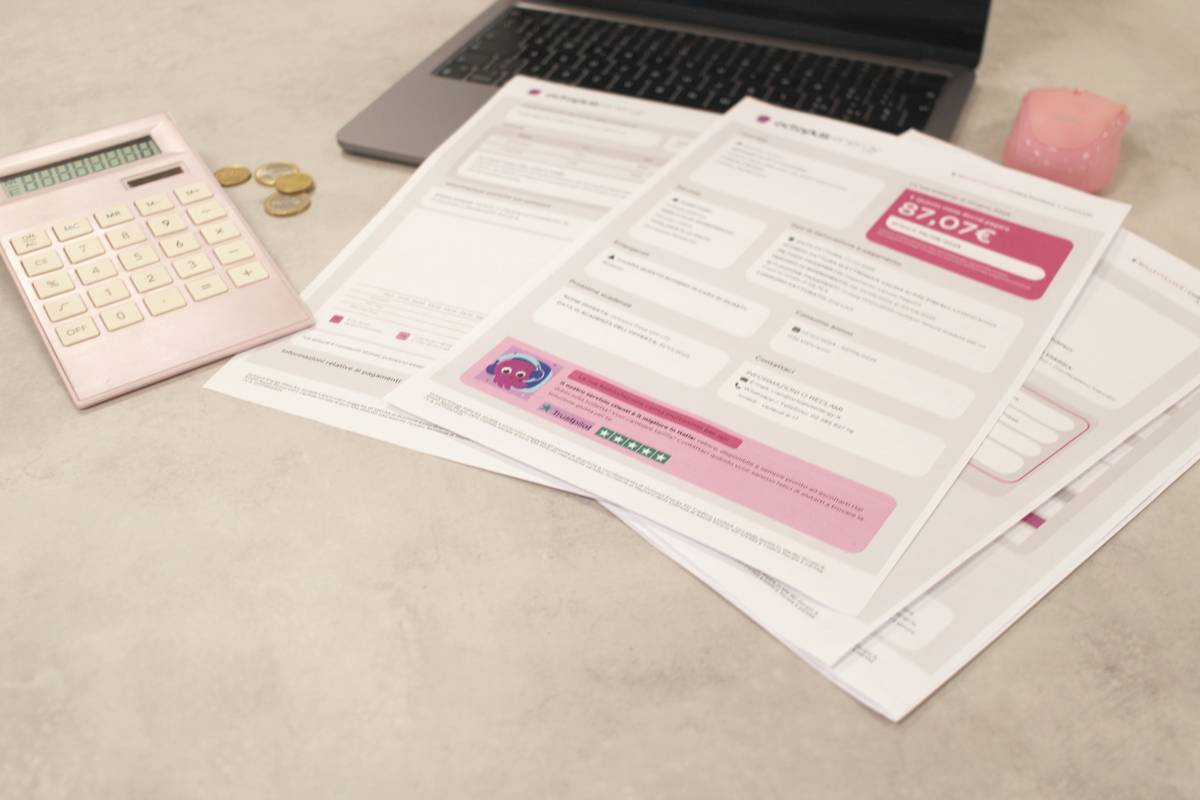
Start with your bank or credit card statements from the past three months. Search for recurring charges—look beyond obvious names like “Netflix.” Watch for aliases like “Digital Services Inc.” or “Membership Solutions Ltd.” Many apps use billing descriptors that don’t match their brand.
2. Choose Your Cancellation Method Wisely
Not all paths are equal. Some require email. Others force phone calls. Pick based on speed, paper trail, and your tolerance for pushback.
| Method | Time Required | Paper Trail? | Risk of Upsell Pressure |
|---|---|---|---|
| Official Website Portal | 2–10 minutes | Yes (auto-email confirmation) | Low–Medium |
| Email Request | 1 day–1 week response | Yes | Low |
| Phone Call | 5–30+ minutes (hold times) | No (unless recorded) | Very High |
| Third-Party Cancellation Service | Under 2 minutes setup | Yes | None |
3. Document Everything—Before You Hit “Cancel”
Screenshot the cancellation confirmation page. Save the email receipt. Even if it says “Your account is now cancelled,” keep proof. Chargebacks happen—even after apparent success.
The Industry Secret No One Talks About
Here’s what insiders know: Timing matters more than you think. Canceling right after a billing cycle resets often triggers immediate deactivation—but canceling near renewal can leave you vulnerable to “final billing” traps.
But the real secret? Some services auto-reactivate if you used a temporary payment method (like prepaid cards) or if their system flags your cancellation as “incomplete.” The fix? Use a virtual credit card with a spending limit of $0.01 after cancellation. If they try to rebill, it fails silently—and you get an alert.
It sounds paranoid. It’s just prudent.
FAQ
Can I cancel a subscription mid-cycle and get a refund?
Rarely. Most terms state no prorated refunds—but some (like SaaS tools) offer partial credits if you contact support politely within 48 hours.
What if the company won’t let me cancel online?
That’s a red flag. Legitimate businesses must provide a cancellation method as easy as signup (per UK Consumer Rights Act). Escalate to your bank—they can block future payments via Direct Debit Guarantee.
Does deleting an app cancel the subscription?
No. This is a dangerous myth. Deleting only removes access—not the billing agreement. Always cancel through the provider or your payment platform (Apple, Google, PayPal).